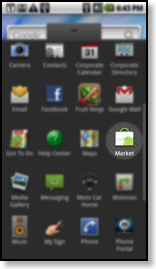
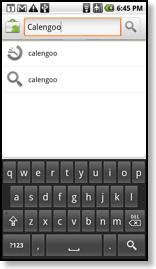
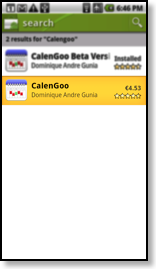
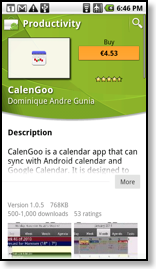
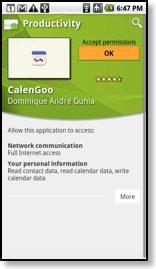
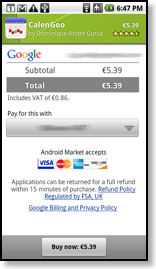
You can buy the app on Google Play. Just start the “Play Store” app and search for “CalenGoo”. Or you can tap this link in your Android phone’s browser: CalenGoo Download
Alternative Store
Normally you should simply buy the app from Google Play as described above.
If that somehow isn’t possible you can buy the app either here using PayPal (with a PayPal account or a credit card) or you can buy it from Amazon. To buy it directly using PayPal just click on this button. After completing the purchase you will receive an email with a link to download the app: