


Deleting events
To delete an event just open it in CalenGoo’s detail view (e.g. by double tapping it in the day view or by tapping it once in the agenda view). Then tap the "Delete" button at the top to delete the event: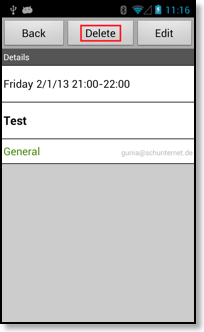
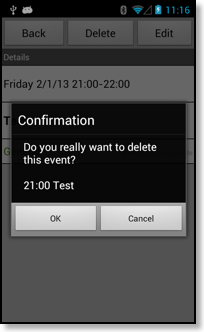
If the event is a recurring event, you can additionally choose if you would like to delete only the single event or all events of the series:
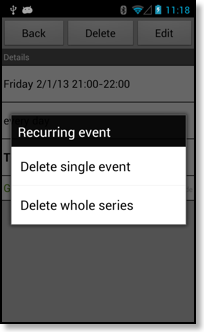
The option to delete a single event can be unavailable for some Android calendars under certain circumstances, please read Creating recurrence exceptions.
In the agenda view you can long press an event to delete it:
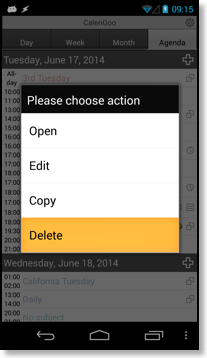
And in the day, week and month view you can use CalenGoo’s drag&drop functions.