


Introduction
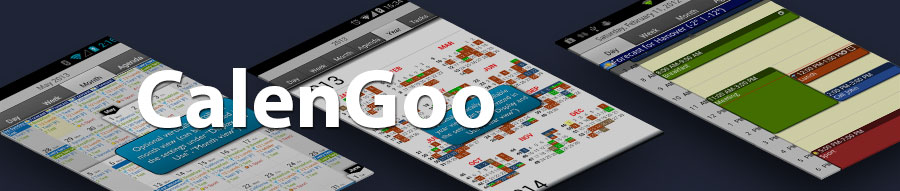
CalenGoo gives you a fast and easy way to view and edit your Google Calendar (or Google Apps Calendar) with your Android device. It can either work with the built-in calendar (so that you can sync it with Exchange, Lightning or other systems) or it can sync directly with Google.It can be found in the Google Play Store. If you have any problems or questions please send an email to android@calengoo.com.

Day
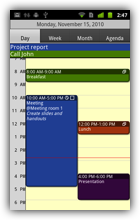
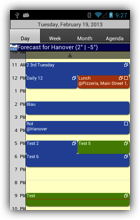
The day view shows the events of the day in a similar way as the Google Calendar website.
Week
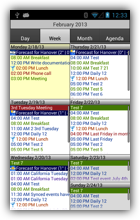
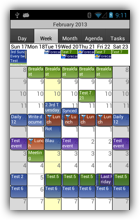
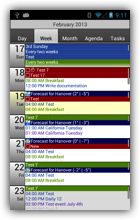
The week view shows the events in a grid of days, either in two columns or in one column.
Month
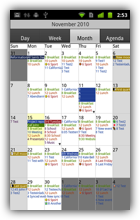
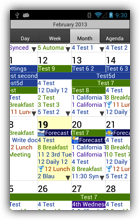
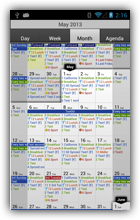
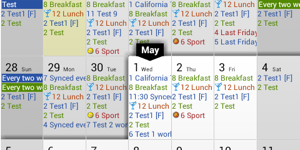
The month view shows a whole month. Events over multiple days are displayed as banners.
Agenda
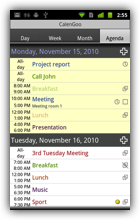
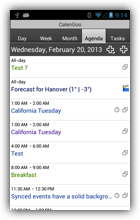
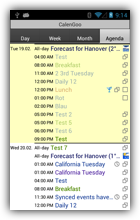
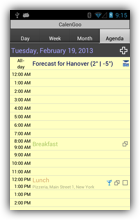
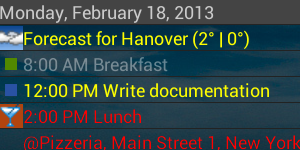
The agenda view offers a lot of configuration options to display the events in a list.
Year
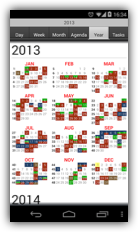
The year view can show an overview of a whole year including events of selected calendars. Just enable it under "Settings", "Display and Use", "Year view".
Tasks
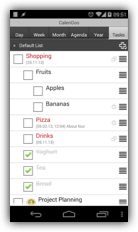
In the tasks view you can view and edit tasks from Google Tasks or from local task lists Just enable it under "Settings", "Tasks".
Features
In the following you can get an overview of the most important features. You can read more about these features and other, less important features on the other pages of this website.
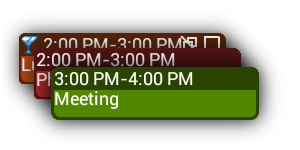
Support for Google's event colors
CalenGoo can view and modify the colors of events using Google's event colors. To use this function you have to sync CalenGoo via OAuth2 with Google Calendar.
Read more...
CalenGoo can view and modify the colors of events using Google's event colors. To use this function you have to sync CalenGoo via OAuth2 with Google Calendar.
Read more...
Google's event colors allow you to assign different colors to your events. Please see here for details: Event colors